Stands: Difference between revisions
No edit summary |
Added more info to the Stand page |
||
| (5 intermediate revisions by one other user not shown) | |||
| Line 1: | Line 1: | ||
== | == Overview == | ||
Stands are a fundamental | Stands are a fundamental aspect of the [[:Category:JCraft (Mod)|'''JCraft: Eyes of Ender''' mod]]. They are a supernatural manifestation of the players ''fighting spirit'' which are manifested after coming into contact with a [[Stand Arrow]], each Stand giving a unique ability and power from the JoJo's Bizarre Adventure series. The mod features a total 25 ''Stands'' with unique gimmicks and all of which fit into specific [https://mcleodgaming.fandom.com/wiki/Character_archetypes fighting game archetypes]. These Stands can be seen by non-Stand users (unless toggled off via the config) and dealing damage to a Stand will reflect it onto the user. | ||
You cannot use two Stands at the same time, however - to increase damage output and combo potential - there are extra abilities, otherwise known as [[Specs]]. which pair up with Stands. | |||
There is no (traditional) way to "progress" with your Stand, the only form of progression present is learning to utilise the Stand efficiently and effectively in combat. | |||
== Obtaining a Stand == | == Obtaining a Stand == | ||
To obtain a | To obtain a Stand in [[JCraft (Mod)|'''JCraft: Eyes of Ender''']] , you will need to craft or obtain the [[Stand Arrow]]. The Stand arrow can be crafted using the [[Stand Arrowhead]]. Upon right-clicking while holding the [[Stand Arrow]], you will be granted a Stand | ||
Alternatively, as a Standless player encountering a [[Stand Mobs|Skeleton]] wielding a [[Stand Arrow]]; being shot by the Skeleton will grant them with a Stand. Players can also grant other players with Stands if they shoot them with the [[Stand Arrow]] in their offhand. | |||
= | While using your Stand you will notice each stand grants different moves, skills and abilities that can be used in both single-player and multiplayer. In order to see what each move does in game, type /stand about in the chat and it will list every possible move as well as list the possible combos that can be pulled off with your Stand.<div style="display: flex; flex-direction: column; align-items: center; width: 100%; margin-top: 20px;"> | ||
[[File:Stardust_Crusaders.png|center|link=]] | |||
File: | <gallery mode="packed" widths="150px" heights="150px"> | ||
StarPlatinum.png|link=Star Platinum|Star Platinum | |||
Stw.png|link=Shadow The World|Shadow The World | |||
Theworld.png|link=The World|The World | |||
Magiciansred.png|link=Magician's Red|Magician's Red | |||
Silverchariot.png|link=Silver Chariot|Silver Chariot | |||
Hierophant_green.png|link=Hierophant Green|Hierophant Green | |||
Cream.png|link=Cream|Cream | |||
Thefool.png|link=The Fool|The Fool | |||
Horus.png|link=Horus|Horus | |||
TheSUn.png|link=The Sun|The Sun | |||
</gallery> | </gallery> | ||
[[File:Diamond_is_Unbreakable.png|center|link=]] | |||
<gallery mode="packed" widths="150px" heights="150px"> | |||
File: | The_Hand.png|link=The Hand|The Hand | ||
Starplatinumtheworld.png|link=Star Platinum: The World|Star Platinum: The World | |||
Kiraqueen.webp|link=Killer Queen|Killer Queen | |||
Bitethedust.png|link=Killer Queen: Bites the Dust|Killer Queen: Bites the Dust | |||
</gallery> | </gallery> | ||
[[File:Golden_Wind.png|center|link=]] | [[File:Golden_Wind.png|center|link=]] | ||
<gallery mode="packed" widths="150px" heights="150px"> | |||
Gold_Experience.png|link=Gold Experience|Gold Experience | |||
GER.png|link=Gold Experience Requiem|Gold Experience Requiem | |||
King_crimson.png|link=King Crimson|King Crimson | |||
Purplehazedistortion.png|link=Purple haze Distortion|Purple haze Distortion | |||
Metallica.png|link=Metallica|Metallica | |||
</gallery> | |||
[[File:Stone_Ocean.png|center|link=]] | [[File:Stone_Ocean.png|center|link=]] | ||
<gallery mode="packed" widths="150px" heights="150px"> | |||
Whitesnake.png|link=Whitesnake|Whitesnake | |||
Cmoon.png|link=C-Moon|C-Moon | |||
Madeinheaven.png|link=Made in Heaven|Made in Heaven | |||
</gallery> | |||
[[File:Steel_Ball_Run.png|center|link=]] | [[File:Steel_Ball_Run.png|center|link=]] | ||
<gallery mode="packed" widths="150px" heights="150px"> | |||
D4C.png|link=D4C|D4C | |||
Mandom.png|link=Mandom|Mandom | |||
</gallery> | |||
[[File:Miscellaneous.png|center|link=]] | [[File:Miscellaneous.png|center|link=]] | ||
<gallery mode="packed" widths="150px" heights="150px"> | |||
TWOH.png|link=The World Over Heaven|The World Over Heaven | |||
</gallery> | |||
</div> | </div> | ||
Latest revision as of 15:51, 27 April 2026
Overview
Stands are a fundamental aspect of the JCraft: Eyes of Ender mod. They are a supernatural manifestation of the players fighting spirit which are manifested after coming into contact with a Stand Arrow, each Stand giving a unique ability and power from the JoJo's Bizarre Adventure series. The mod features a total 25 Stands with unique gimmicks and all of which fit into specific fighting game archetypes. These Stands can be seen by non-Stand users (unless toggled off via the config) and dealing damage to a Stand will reflect it onto the user.
You cannot use two Stands at the same time, however - to increase damage output and combo potential - there are extra abilities, otherwise known as Specs. which pair up with Stands.
There is no (traditional) way to "progress" with your Stand, the only form of progression present is learning to utilise the Stand efficiently and effectively in combat.
Obtaining a Stand
To obtain a Stand in JCraft: Eyes of Ender , you will need to craft or obtain the Stand Arrow. The Stand arrow can be crafted using the Stand Arrowhead. Upon right-clicking while holding the Stand Arrow, you will be granted a Stand
Alternatively, as a Standless player encountering a Skeleton wielding a Stand Arrow; being shot by the Skeleton will grant them with a Stand. Players can also grant other players with Stands if they shoot them with the Stand Arrow in their offhand.
While using your Stand you will notice each stand grants different moves, skills and abilities that can be used in both single-player and multiplayer. In order to see what each move does in game, type /stand about in the chat and it will list every possible move as well as list the possible combos that can be pulled off with your Stand.

-
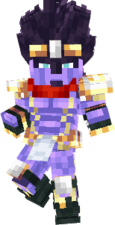 Star Platinum
 -
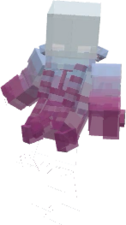 Shadow The World
 -
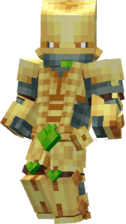 The World
 -
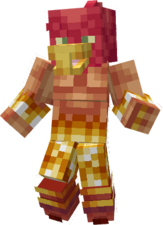 Magician's Red
 -
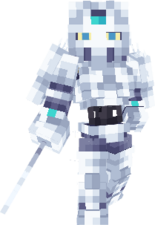 Silver Chariot
 -
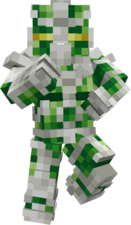 Hierophant Green
 -
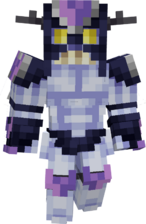 Cream
Cream -
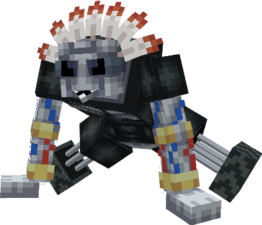 The Fool
 -
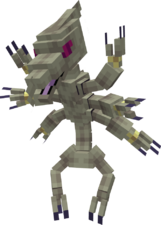 Horus
Horus -
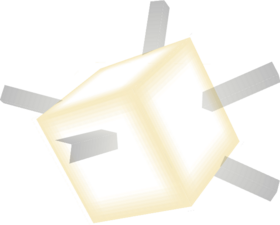 The Sun

-
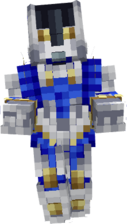 The Hand
 -
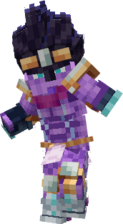 Star Platinum: The World
 -
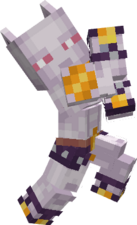 Killer Queen
 -
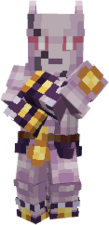 Killer Queen: Bites the Dust

-
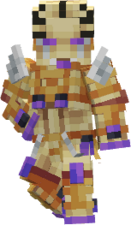 Gold Experience
 -
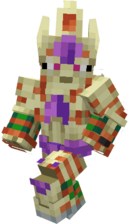 Gold Experience Requiem
 -
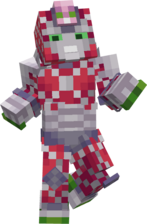 King Crimson
 -
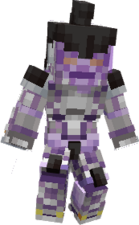 Purple haze Distortion
 -
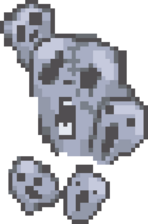 Metallica

-
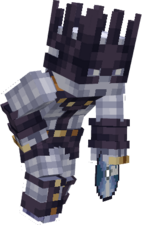 Whitesnake
 -
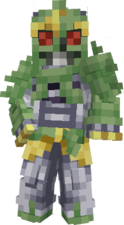 C-Moon
 -
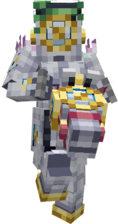 Made in Heaven

-
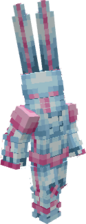 D4C
D4C -
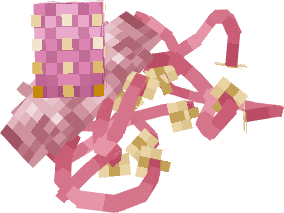 Mandom

-
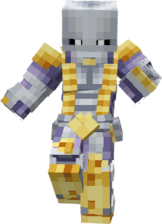 The World Over Heaven